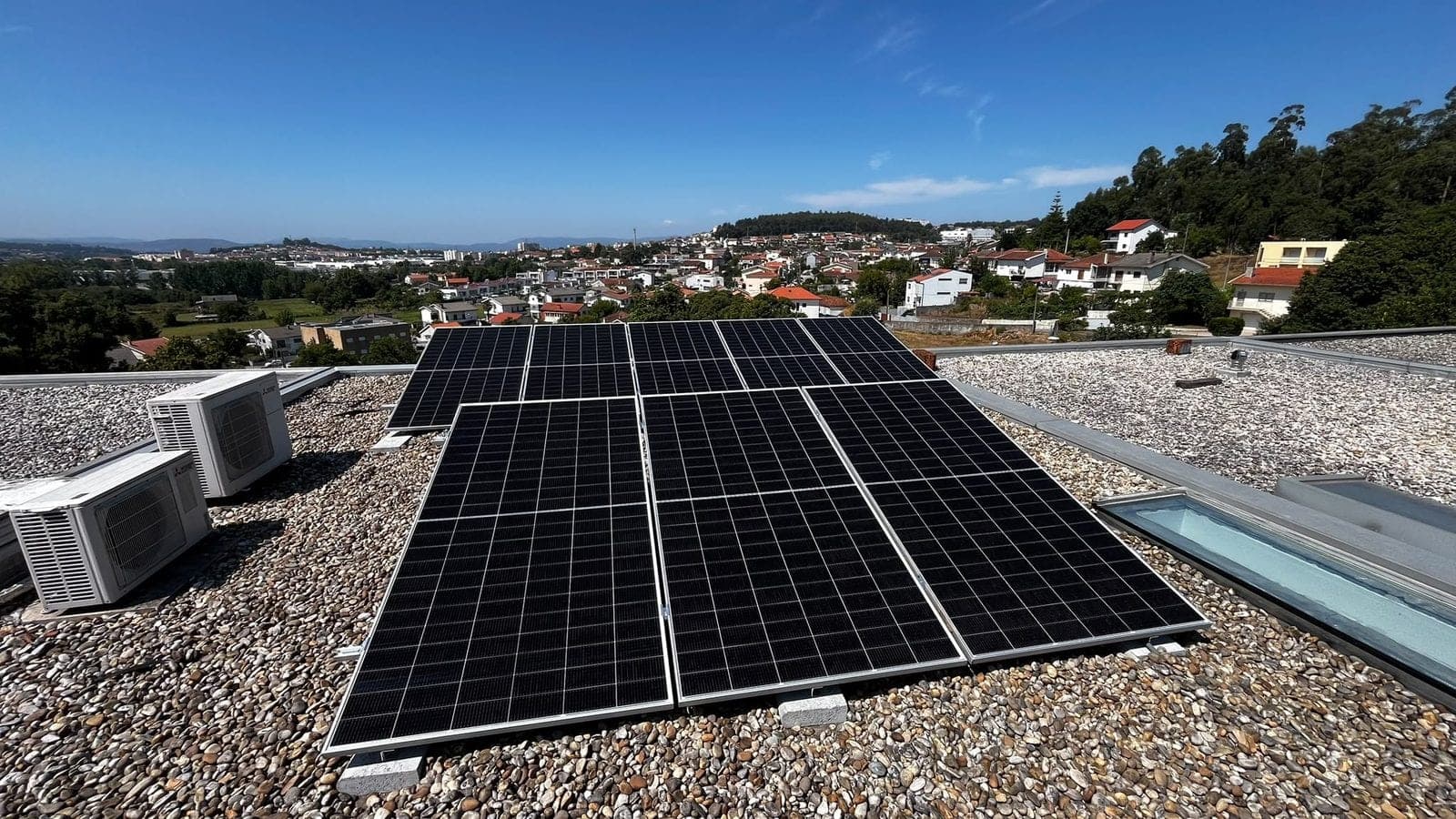
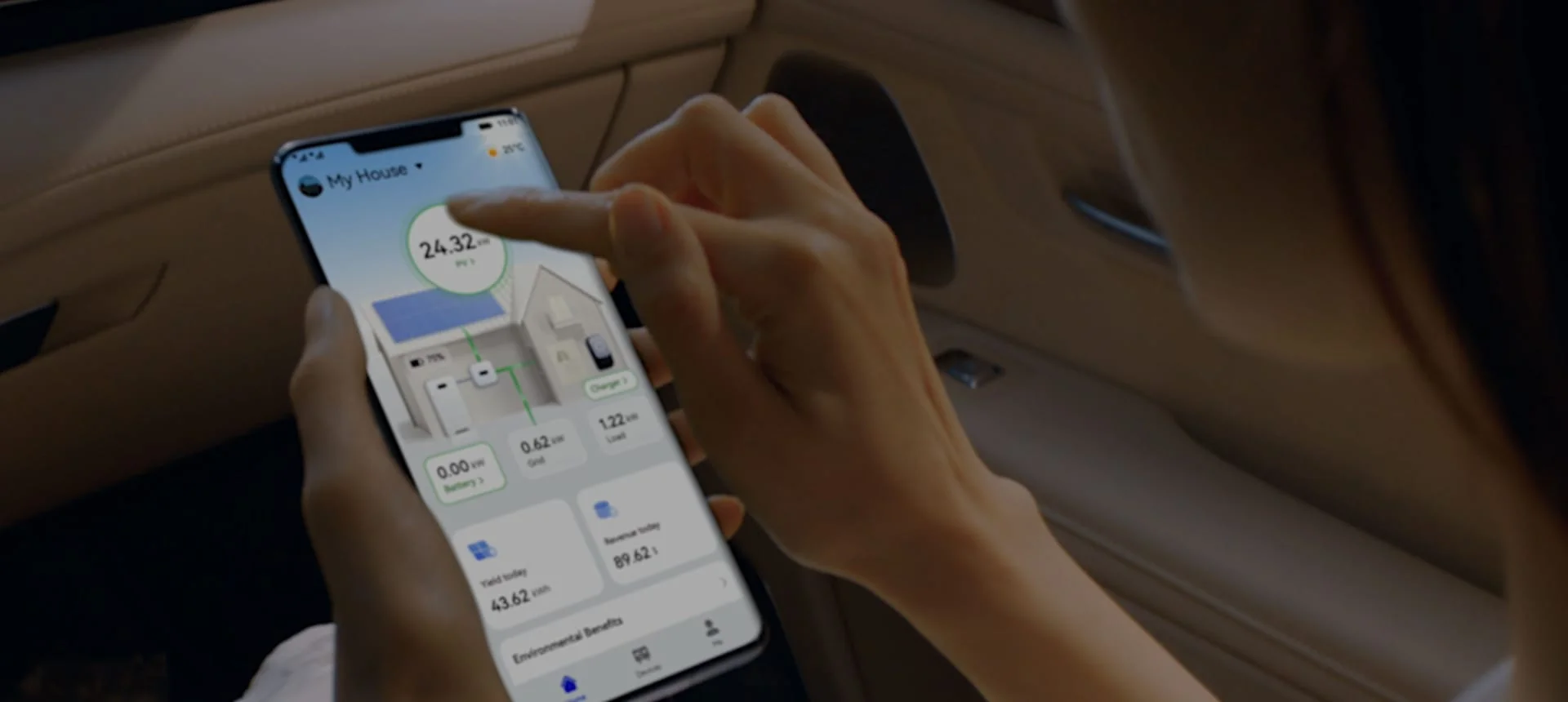
The solar monitoring app shows production in real time, warns of malfunctions and helps confirm that the system is fulfilling what was promised in the proposal.
You've installed solar panels and, after a few weeks, the same question always arises: is the system really producing what it should? The good news is that you don't need to go up to the roof or wait for the next bill to find out. Solar monitoring, done through an app on your phone, shows you this in real time, with the installation "talking" to you every day.
In summary:
Solar monitoring is, in essence, the dashboard of your photovoltaic system. Each inverter records how much energy is being produced, moment by moment, and sends this information to a platform that you consult on your mobile phone, tablet or computer. At LEFE we mainly install Huawei inverters, connected to the FusionSolar app, but the principle is similar in almost all brands: without monitoring, a solar system is a closed box on the roof; with it, you always know what is happening inside.
This matters for a simple reason. A broken panel or a faulty inverter doesn't make a noise or turn on red lights on the garage wall. Production drops quietly and, without the app, you only realize it months later, when the electricity bill is higher than you expected and you no longer remember how much it used to be.
There's also another, lesser-talked about perk: the app helps you confirm that the system is meeting the estimate you received in the proposal. When we size an installation, we calculate an expected production for each month of the year, taking into account the orientation of the roof, the slope of the panels, and the area of the country. With monitoring, you can compare these numbers with reality, month by month, instead of relying only on memory or a vague impression that "everything seems to be fine".
You don't need to understand electronics to follow this process. The app was designed for those who have never opened an inverter in their lives, with colors and icons that immediately indicate if everything is okay (usually green) or if there is something to check (yellow or red).
Once configured, the app usually shows:
If you have batteries installed, the app also shows the state of charge and how much autonomy time you have available, something especially useful on bad weather days or in a blackout. We have already explained this in more detail in the article solar batteries: when to invest, in case you want to better understand that part of the system.
In a system installed by LEFE in a house in the Porto area, the app signaled a drop in production in one of the strings, visible in the week-to-week comparison. The customer noticed the alert, contacted the team and, on the next visit, it was realized that it was dirt accumulated on a set of panels, probably pollen and dust from nearby works. After cleaning, production returned to the expected value in a few days. Without this alert, the loss could have gone unnoticed for months, hidden in an electricity bill only slightly higher, the kind that no one questions at first glance.
| What you see in the app | What it usually means | What to do |
|---|---|---|
| Production at zero during the day | Communication failure or inverter stop | Check if the inverter has lights on; if not, contact LEFE |
| Gradual decline over weeks | Dirt on panels or new shading (tree, construction) | Schedule a Cleanup or Inspection |
| One string always below the others | Panel or connection with problem in a specific area | Request a technical check of this string |
| High temperature alert | Insufficient ventilation around the inverter | Confirm that the space around the equipment is clear |
| Frequent connection loss | Unstable Wi-Fi or communication dongle with problem | Check your home router or replace your dongle |
Monitoring is not a substitute for maintenance or technical visits, but it is the simplest tool to understand, at any time of the day, if your system is doing what it promised. And, increasingly, this is what separates those who make the most of solar investment from those who only discover a problem when it is too late to avoid months of loss.
It is also worth a simple warning: the app is not just for the first few months, after the "novelty" is installed. The greatest value appears precisely over time, when you already have two or three years of history to compare and can identify patterns, for example if the production of a given month is systematically below expectations, year after year, which can point to new shading or panels that need attention.
If you don't have a system installed yet and are deciding where to start, the first step is to choose the right equipment and sizing for your home; we have left some useful notes in the article How to choose the best photovoltaic system for your home.
We installed your system and have questions about the app's data, or do you want to understand if your current system already comes with monitoring included? Talk to LEFE.
Leave your comment: just your name.
No comments yet. Be the first!